Your Website Looks Beautiful—But Is It Clear?
You spent weeks on your website. The colors are perfect. The fonts look sharp. The hero image stands out. But visitors leave in seconds. What went wrong?
Here is the truth: a beautiful website isn’t always clear. Neither is a bad site always an ugly one. Some of the worst online experiences hide behind sleek design.
Let’s uncover the urgent issues and how to resolve them before more visitors leave.

Photo by Yaroslav Shuraev
The Real Problem With Bad Web Design Websites
Most people think that poorly designed websites look broken or outdated. Misaligned text. Clashing colors. Pixelated images. That is the old definition of bad-looking websites.
A site can look polished but confuse every visitor. The appearance isn't the issue. People feel lost, frustrated, and unsure of what to do.
Visitors don’t read your website. They scan it. They look for signals. What is this? Is this for me? What do I do here? If those signals are missing or buried, they leave. No one fills out a form they cannot find. No one buys a product they do not understand.

Photo by ROCKETMANN TEAM
What Makes a Site Feel Bad
You can have a bad website design without a single visual error. Here is how it happens.
Vague Headline
Your headline is vague. Something like "Empowering Solutions for a Better Tomorrow" sounds important but says nothing. Visitors cannot connect it to a real problem they have. They move on.
Unlimited Navigations
Your navigation has too many options. When everything is clickable, nothing feels important. People freeze. So they do nothing. They leave.
Unclear Call-to-action
Your most important button is buried halfway down the page. What happens after they click? Where do they go? If your button doesn't answer that, people won't take the risk.
Slow Loading
Slow loading is another problem that quietly hurts. People don't wait. A page that takes too long to appear gets closed. They just have ten other options a click away, and they'll move on without a second thought.
Mobile Unresponsive
If your site feels awkward or broken on a phone, most visitors are gone before they read your copy. A layout that doesn't hold up on a small screen is costing you, real people, every day.
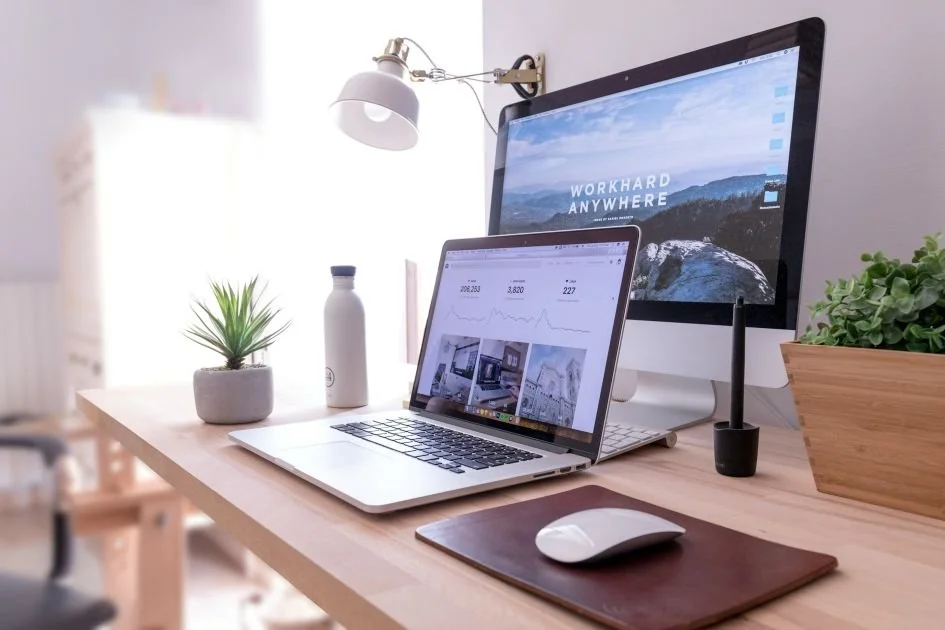
Photo by Domenico Loia
Average Websites Are Not Always the Dangerous Ones
This one surprises a lot of people.
A website that looks rough and outdated loses visitors gradually. People spot it immediately, but sometimes adjust and keep looking for what they need.
The real trouble is the other kind of site. It looks sharp and trustworthy, but the second someone actually tries to use it, everything breaks down. That kind of damage is quiet.
When a site looks premium, people trust it. If they can't find the price, figure out what to do, or see where to click, they leave. Most won't try again.

Photo by Le Buzz Studio
How to Create a Clear and Aligned Website Experience
Before you hire a designer to rebuild your website, it's important to clarify your website copy and how you want the whole site to feel.
Rework on the Headline
Start with your headline. Find someone who has never heard of your business, a friend, a family member, anyone, and read it to them. Then ask: What do you think this company does? If they pause or get it wrong, the problem is your headline. Keep working on it.
Fix the CTA
Then check your call to action. Come to your own homepage like a first-time visitor. Is the main button right there, visible before you scroll? And what does it say?
Here’s what works:
"Start Your Free Trial" is clearer than “Get Started”.
"Book a Free Call" rather than"Contact Us."
Specific language removes guessing. Visitors know immediately what happens next.
Now put the laptop down. Pick up the phone you use every day and open your website on it. Not a preview. Not a simulator. The real thing, on your real phone. Tap the links. Scroll through every section. Pay attention to what feels off.
What's hard to tap? What takes forever to load? What makes you close the tab? Whatever bothers you likely bothers visitors. Fix the frustrating things. It takes about an hour of honest attention.
Run a Speed Test
Run a quick speed test. Google PageSpeed Insights is free and returns results in a minute. Many people skip this step, and they shouldn't. If your score lowers, your images are usually the first thing to notice. Large, uncompressed image files are the most common reason that bad web design websites load slowly, and most people never think to check them. Compress them. That single change can significantly cut your load time, and faster pages hold attention in a way that no design tweak ever will.
Clarity Is a Design Choice
Every decision on your website helps or blocks understanding. There's no neutral ground.
A straining font works against you. An impressive headline that says nothing? Same problem. A page without a logical thread loses visitors early.
But here's what clarity is not: it's not boring. It's not plain. Clarity doesn't mean stripping your brand down to nothing. Your tone, your personality, your look and feel, none of that has to go anywhere.
Every section, image, or line must earn its place. If you know its purpose, keep it. If not, cut or rework it.
Websites people enjoy using feel intuitive. Visitors arrive, get what they need quickly, and move forward. Nothing confuses or slows them down.

Photo by ROCKETMANN TEAM
One Last Question Worth Asking
Before you close this tab, try something. Open your homepage. Wait 5 seconds. Is your offer clear? Do you know what to click next?
If anything feels uncertain, you have a clarity problem. Beautiful design won't save you. A stunning but confusing site isn’t working.
To improve your bad site, focus on clear signals for visitors, not just aesthetics. Fix the confusion first. Clear messaging helps your site work as intended.
If you're struggling to clarify your site, let's explore what's working, what's missing, and how your website can better support your business goals. Click here to schedule your complimentary discovery call.